E-CONVERSATIONS PARTICIPANT GUIDE
1. Preparation
- A computer (not smartphone) and stable internet connection
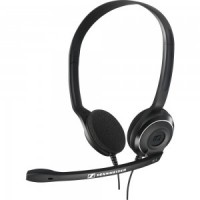
- Computer USB headsets (with headphone & microphone in one unit to avoid causing noise for others)
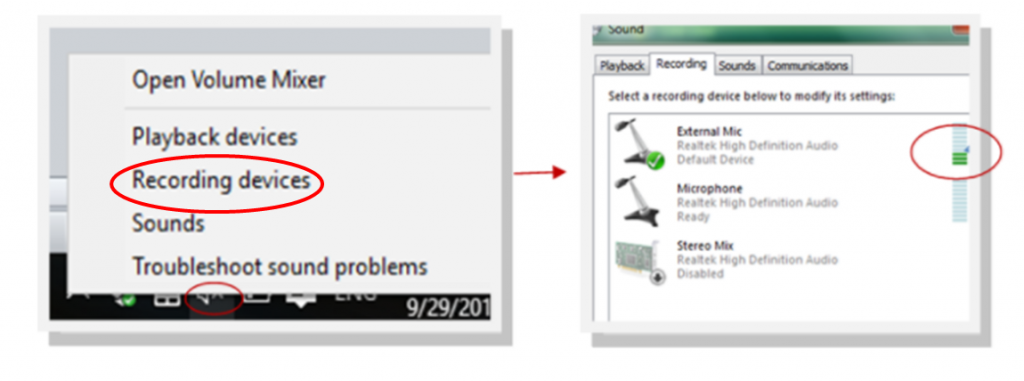
- Check what playback device is selected: The computer is set to play sound through headphones, sound may not come out of external speakers. To check the output device: Click on “Speakers” on the lower right corner of your screen and activate “External Mic” shown on the picture or see our tutorial videos
2. Joining your eConversations:
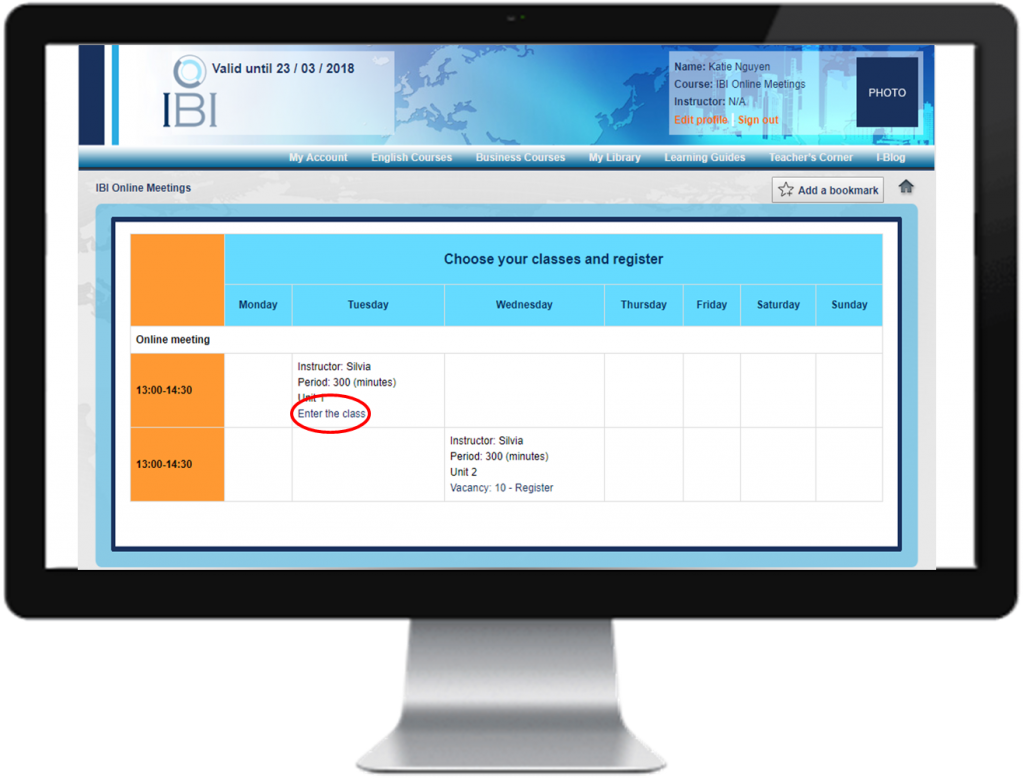
Step 1: Register for your class
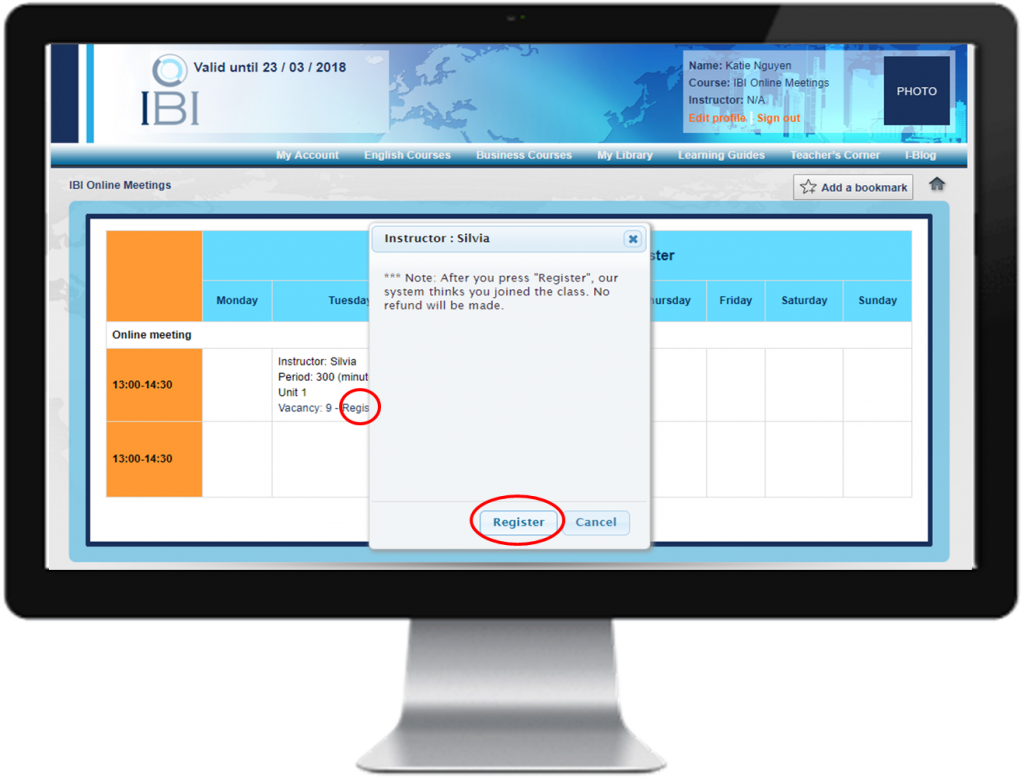
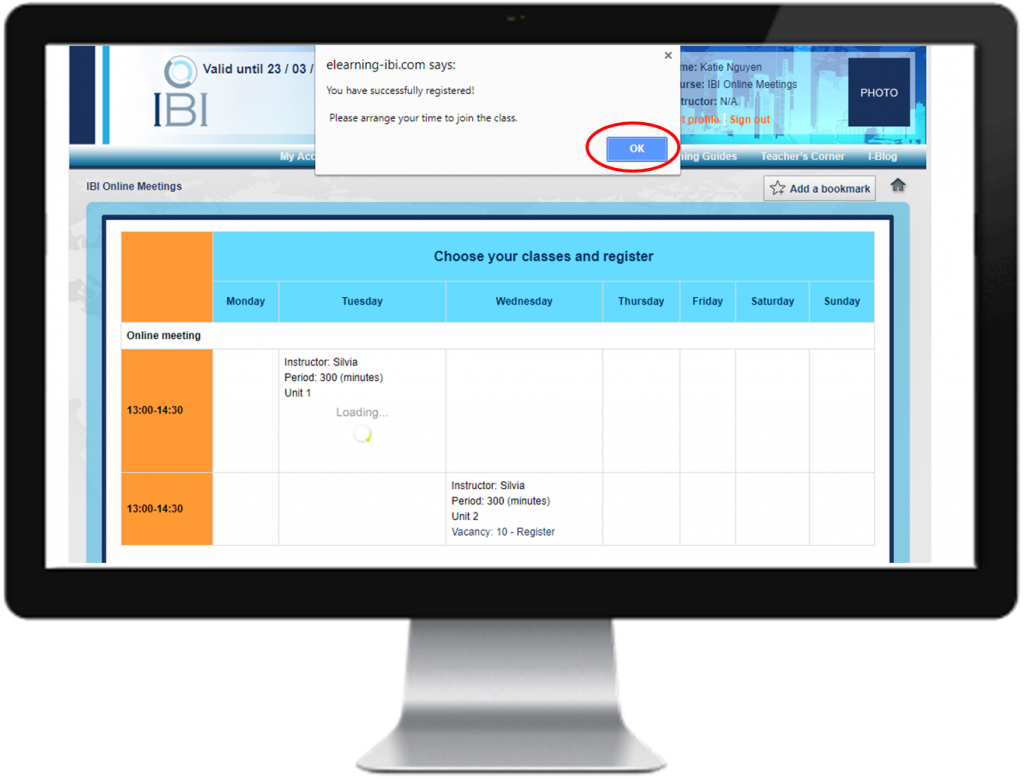
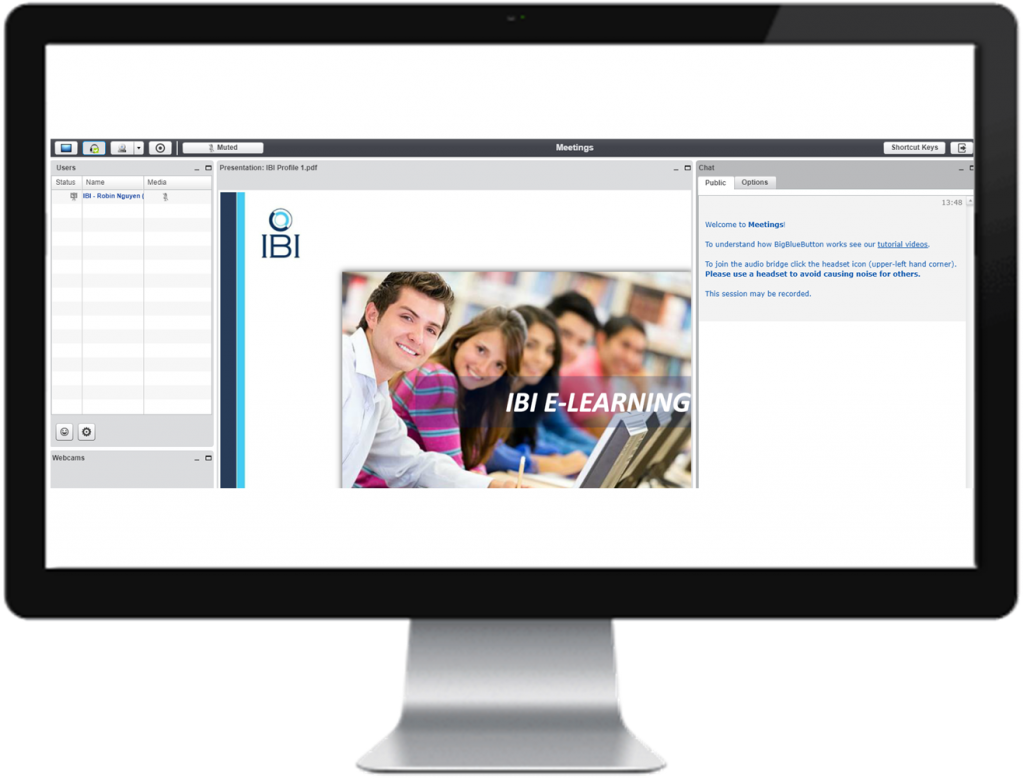
Step 2: Enter your class